Excited for the future of your Galaxy S26? Indeed, the wait is over. You can now get your hands on the Samsung One UI 9 Beta, bringing Android 17 to your device. This early access lets you experience Samsung’s next-generation software. However, remember this is beta software. It will likely contain bugs. Still, for true tech enthusiasts, the rewards outweigh the risks. This guide shows you exactly how to install Android 17 on your Galaxy S26 now. Prepare for some truly innovative new features.
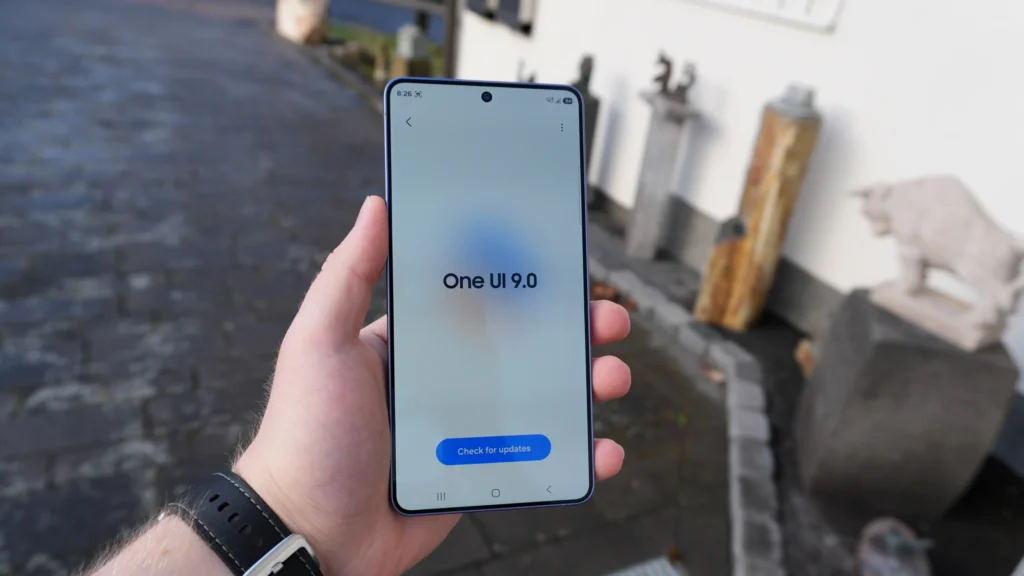
What’s New in One UI 9 & Android 17?
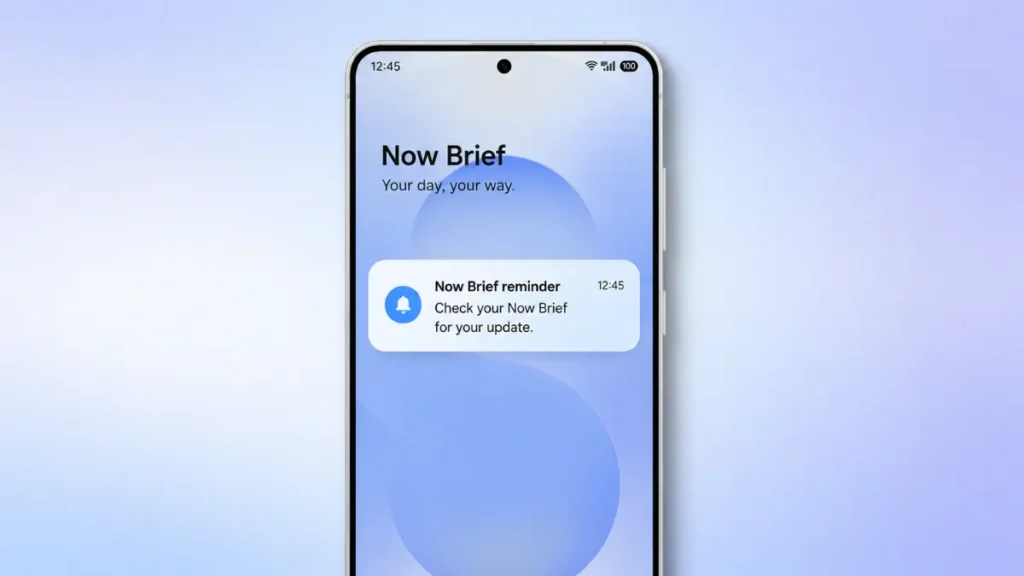
One UI 9, layered over Android 17, introduces significant advancements. For instance, expect a complete overhaul of the notification system. Notifications are now more intelligent and actionable. Additionally, Samsung focuses heavily on on-device AI integration. This enhances everything from camera performance to battery optimization. The new ‘Agentic AI’ features are particularly impressive, making your phone feel like a true personal assistant. Check out our deep dive on Agentic AI: How Your Phone is Secretly Becoming Your Personal Assistant in 2026.
Furthermore, Android 17 brings enhanced privacy controls. You get more granular permissions for apps and improved data security. Gaming performance also sees a boost. This is thanks to optimizations leveraging the Snapdragon 8 Elite Gen 5 chipset. Samsung has also redesigned many core apps. They now offer a more cohesive and intuitive user experience. Importantly, you’ll notice subtle but impactful visual refinements across the entire interface. These changes contribute to a smoother, more modern feel.
How to Install the Beta on Your Galaxy S26
Installing the Samsung One UI 9 Beta requires a few crucial steps. First, ensure your Galaxy S26 is fully charged. Also, back up all your data. This is essential before proceeding. You can use Samsung Smart Switch or a cloud service. Then, open the Samsung Members app on your Galaxy S26. Look for the ‘One UI Beta Program’ banner. Tap on it and follow the on-screen instructions to enroll. You will need to accept the terms and conditions.
Once enrolled, navigate to Settings > Software update > Download and install. Your device will then find the One UI 9 Beta update. The download size can be substantial. Ensure you have a stable Wi-Fi connection. After the download completes, tap ‘Install now’. Your phone will restart several times during the process. Do not interrupt it. Finally, once it boots up, you’ll be running Android 17 and One UI 9 Beta. Remember, this is an early build. Performance might vary, and some apps may not be fully compatible yet. For insights into future Samsung AI, read about the Samsung Galaxy S26 Ultra: The AI Beast Is Here.
Pros & Cons of Early Adoption
Pros:
- First Look: Experience Android 17 and One UI 9 features before anyone else.
- Provide Feedback: Help Samsung refine the software by reporting bugs.
- Cutting-Edge Features: Access new AI capabilities and interface improvements immediately.
- Exclusive Access: Be part of an exclusive group of beta testers.
Cons:
- Bugs & Instability: Expect crashes, app incompatibilities, and performance issues.
- Battery Drain: Beta software can sometimes be less optimized, leading to quicker battery drain.
- Data Loss Risk: Though rare with backups, unforeseen issues can occur.
- No Official Support: Samsung’s full customer support is not typically available for beta versions.
Verdict & FAQ
If you’re a seasoned tech enthusiast who understands the risks, diving into the Samsung One UI 9 Beta is a fantastic way to explore Android 17. It offers a glimpse into the future of mobile software. For daily drivers needing absolute stability, waiting for the official release is probably smarter. You can find more official details and announcements on the Samsung Newsroom. Overall, the innovations packed into this beta are genuinely exciting.
FAQs
Q: Will installing the One UI 9 Beta void my warranty?
A: Typically, participating in official beta programs does not void your warranty. However, always double-check the specific terms within the Samsung Members app.
Q: Can I revert to the stable Android 16 version?
A: Yes, you can usually revert. This process often involves a factory reset, which will erase all your data. A full backup is crucial. More information is available on the Android Developers Blog.
Q: Are there any specific AI camera features in One UI 9?
A: Yes, Android 17 and One UI 9 introduce several advanced AI camera features, enhancing photo and video quality significantly. We covered some of these in Shocking Truth: 3 Secret AI Camera Features You Must Use. For example, improved scene optimization and advanced object recognition are included.
What do you think? Are you ready to install Android 17 on your Galaxy S26? Drop your thoughts in the comments!