
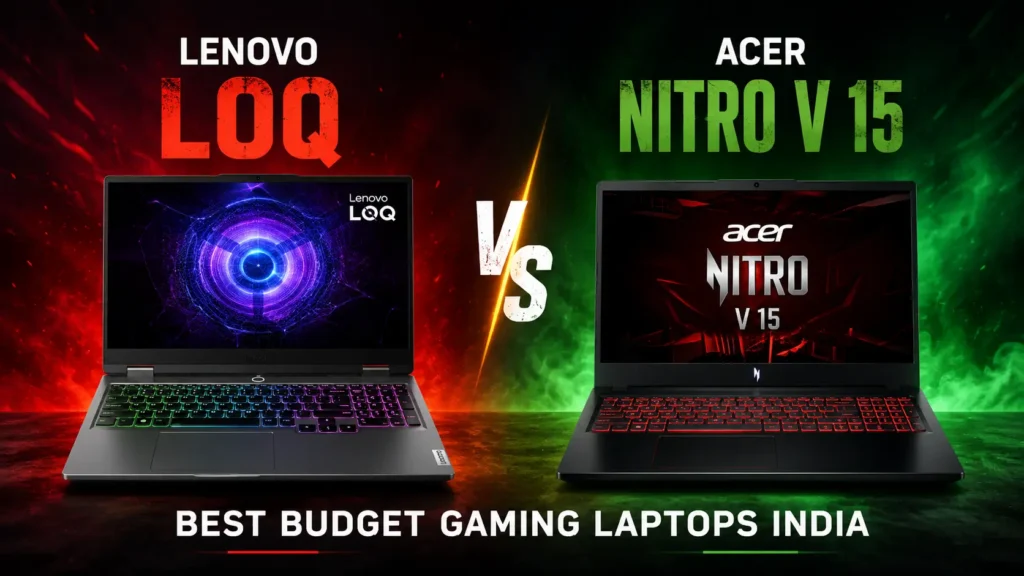
Finding the absolute best budget gaming laptops in India can feel like a quest for a mythical beast. You want power, a great screen, and solid build quality, all without emptying your wallet. The good news? In 2026, two machines consistently rise to the top of the affordability charts: the Lenovo LOQ and the Acer Nitro V 15. Both promise an incredible gaming experience for less, but which one truly delivers the knockout punch?
The short answer is this: the Lenovo LOQ often offers slightly better thermal management and a more understated design, while the Acer Nitro V 15 typically boasts aggressive pricing and a slightly more ‘gamer’ aesthetic. Your ultimate choice hinges on specific configurations and your personal priorities, but both are stellar options for budget-conscious Indian gamers.
Why This Matters: The Indian Budget Gaming Market
India’s gaming scene is exploding. Millions are looking for powerful machines that don’t cost a fortune. This demand fuels fierce competition among brands. Companies like Lenovo and Acer are constantly innovating to pack maximum performance into affordable packages. We’re seeing incredible advancements in processing power, not just in phones, but also in these budget laptop (see the best laptops under ₹50,000)s.
Gamers in India are savvy. They demand value. They need laptops that can handle the latest AAA titles at playable frame rates, but also serve as reliable daily drivers for study or work. This specific market niche is where the LOQ and Nitro V 15 truly shine. They strike a crucial balance between cost and capability, making them highly relevant choices for many.
Lenovo LOQ: The Understated Contender
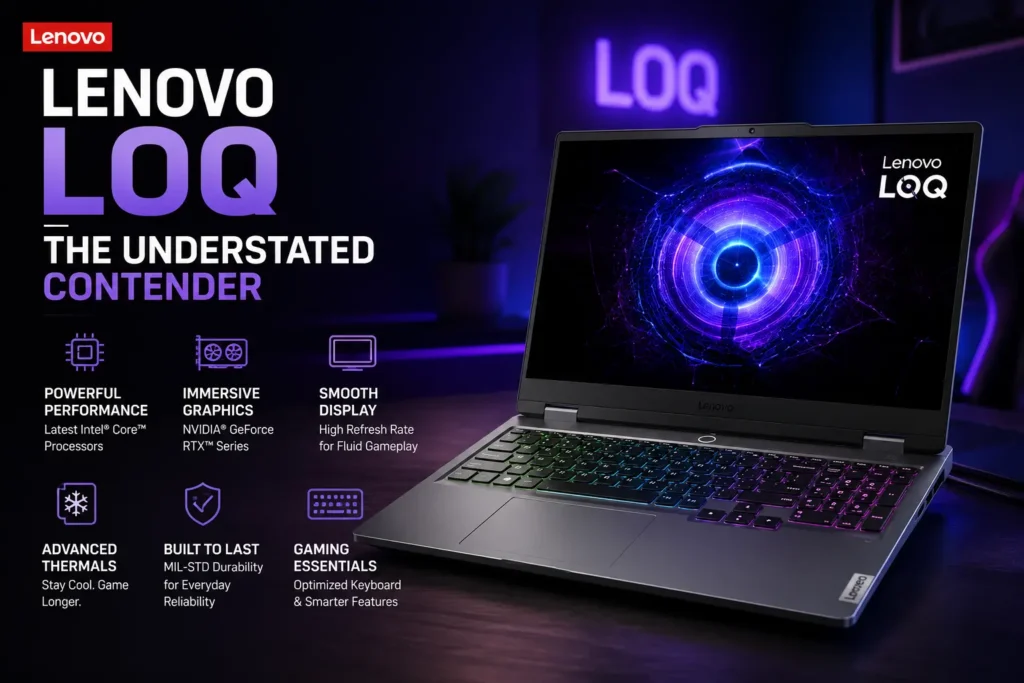
The Lenovo LOQ series is a relatively new player, positioned just below Lenovo’s Legion line. However, it punches well above its weight class. It often features a cleaner, more minimalist design compared to many gaming laptops. This makes it suitable for both gaming sessions and professional environments.
Under the hood, the LOQ typically offers a range of powerful CPUs, often Intel Core i5 or i7, or AMD Ryzen 5 or 7. For graphics, you’ll usually find Nvidia RTX 3050, 4050, or even 4060 GPUs. These combinations provide excellent performance for most modern games. The build quality feels solid, and the keyboard is surprisingly comfortable for extended use.
Acer Nitro V 15: The Aggressive Challenger
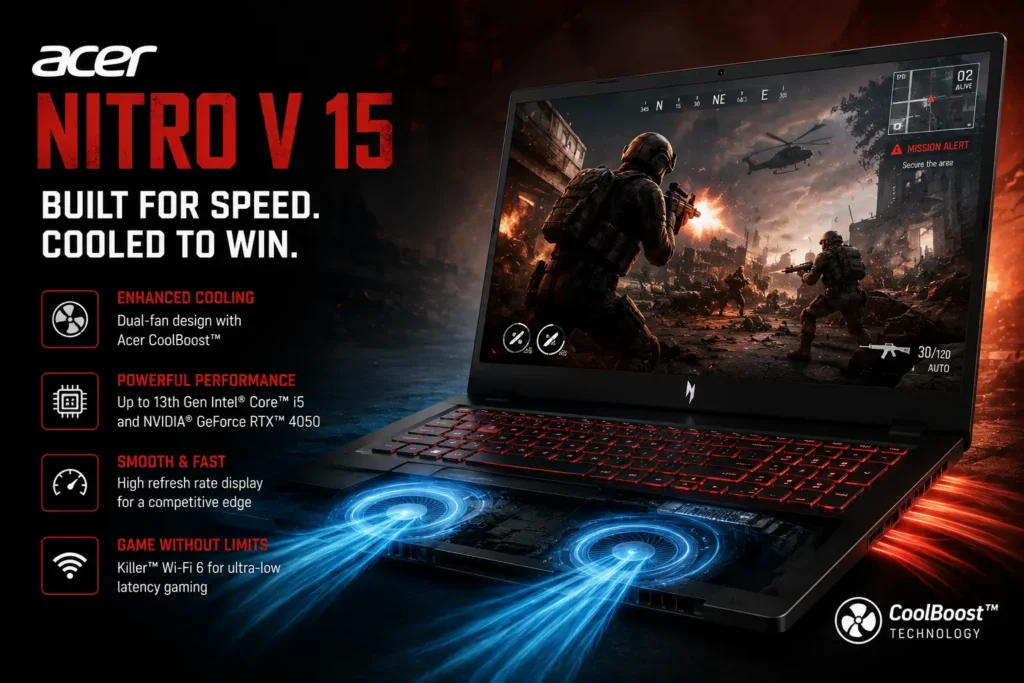
Acer’s Nitro series has been a budget gaming staple for years, and the Nitro V 15 continues this legacy. It often sports a more aggressive, ‘gamer’ aesthetic with sharper angles and prominent branding. This design resonates well with a specific segment of the gaming community.
Performance-wise, the Nitro V 15 is equally formidable. It often comes equipped with similar CPU and GPU options as the LOQ, ensuring competitive gaming power. Acer is known for offering compelling specs at very attractive price points. This makes the Nitro V 15 a strong contender for those prioritizing raw performance per rupee.
Performance & Benchmarks: Head-to-Head
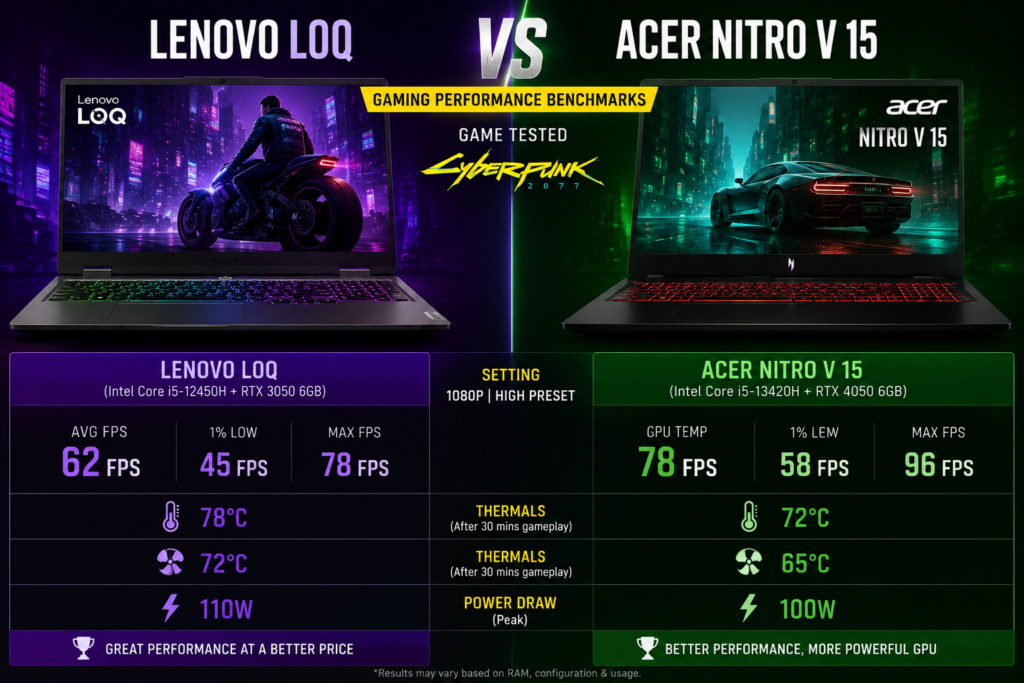
When comparing the LOQ and Nitro V 15, performance often comes down to the exact configuration you pick. Both brands offer models with Nvidia’s RTX 4050 or 4060 GPUs. A key differentiator can be the Total Graphics Power (TGP) of the GPU. A higher TGP means the GPU can draw more power, leading to better frame rates.
In terms of raw gaming, benchmarks show both can handle titles like Cyberpunk 2077, Hogwarts Legacy, and Valorant smoothly. For instance, an RTX 4060 variant in either machine can deliver 60+ FPS in most AAA games at 1080p with medium-to-high settings. Meanwhile, for advanced cooling solutions, both utilize robust fan systems, though specific thermal designs can differ slightly.
However, thermal management is crucial. Lenovo’s LOQ often has a slight edge here, maintaining slightly lower temperatures during extended gaming sessions. This can lead to less thermal throttling and more consistent performance over time. The Nitro V 15 is good, but sometimes runs a bit warmer under heavy load.
Pros & Cons: A Quick Look
Lenovo LOQ
- Pros: Understated design, generally better thermals, comfortable keyboard, good build quality.
- Cons: Can sometimes be slightly pricier for similar specs, fewer aesthetic choices.
Acer Nitro V 15
- Pros: Aggressive pricing, strong performance-to-cost ratio, distinct gamer aesthetic, vibrant displays.
- Cons: Can run warmer, design might not appeal to everyone, sometimes has more keyboard flex.
Comparison Section: What Sets Them Apart?
Beyond raw performance, several factors distinguish these two budget powerhouses. Let’s break down the key areas:
Display
Both typically offer 15.6-inch Full HD (1920×1080) IPS panels with high refresh rates (120Hz, 144Hz, or even 165Hz). The Nitro V 15 sometimes boasts slightly brighter panels, while the LOQ offers good color accuracy. For competitive gaming, both are more than adequate.
Keyboard & Trackpad
The LOQ’s keyboard often feels more premium with decent key travel and a responsive feel. The Nitro V 15’s keyboard is good for gaming but can feel a bit less tactile for typing. Trackpads on both are serviceable but most gamers will opt for an external mouse.
Battery Life
Gaming laptops, especially budget ones, are not known for stellar battery life. Expect 3-5 hours of light use. For heavy gaming, you’ll always need the charger plugged in. Interestingly, the trend towards larger capacity batteries in general tech hasn’t fully trickled down to budget gaming laptops yet due to power demands.
Ports & Connectivity
Both offer a good selection of ports, including USB-A, USB-C, HDMI, and Ethernet. Wi-Fi 6 or 6E is standard. Neither significantly outshines the other here.
Upgradeability
Both laptops typically allow for RAM and storage upgrades. This is a huge plus for budget buyers. You can often start with a lower configuration and expand later. This extends the laptop’s lifespan considerably.
Future Impact & Predictions: What’s Next for Budget Gaming?
The budget gaming laptop segment will continue to thrive in India. We anticipate even more efficient GPUs and CPUs in the coming years, bringing higher frame rates at lower power draws. AI-driven upscaling technologies like DLSS and FSR will become standard, further boosting performance on more affordable hardware. Agentic AI is also starting to influence gaming, from smarter NPCs to more efficient game engines.
We might also see more emphasis on display quality, with QHD panels becoming more accessible at this price point. Furthermore, the push for lighter, thinner designs will put pressure on cooling systems, leading to innovative solutions for thermal management. This means even better, more powerful budget gaming laptops for Indian consumers in the near future.
Expert Opinion: Our Take on Value
For most Indian gamers on a strict budget, both the Lenovo LOQ and Acer Nitro V 15 represent outstanding value. They offer a legitimate entry point into serious PC gaming without compromise. If you value a more professional look and slightly better sustained performance due to superior thermals, the Lenovo LOQ often edges out.
However, if you’re looking for the absolute best performance-per-rupee and appreciate a bolder gaming aesthetic, the Acer Nitro V 15 is incredibly hard to beat. It’s a fantastic choice for those who want to maximize their gaming power without spending a single extra rupee. Both are great, it just depends on your personal preference. For more general tech insights, check out our guide on Best 5 Smartphones Launched in May 2026.
FAQ Section
Q1: Which laptop is better for competitive gaming?
Both are capable for competitive gaming. The key is to choose a configuration with at least an RTX 4050 GPU and a high refresh rate display (120Hz+). The Lenovo LOQ’s slightly better thermals might offer a marginal advantage in very long, intense sessions, but the difference is often negligible for most players.
Q2: What about battery life for these budget gaming laptops?
Realistically, expect 3 to 5 hours of battery life for light tasks like browsing or watching videos. For actual gaming, you will need to keep the laptop plugged in to get full performance. Neither laptop excels in battery longevity, which is common for this category.
Q3: Are these budget gaming laptops upgradeable?
Yes, both the Lenovo LOQ and Acer Nitro V 15 typically offer good upgradeability. You can usually expand the RAM (up to 32GB or more, depending on the model) and add an additional M.2 NVMe SSD for more storage. This is a significant advantage, allowing you to future-proof your investment.
Q4: Where can I buy them in India?
Both laptops are widely available in India. You can purchase them from major online retailers like Amazon India, Flipkart, and official brand stores (e.g., Lenovo India’s website, Acer India’s website). Local electronics stores also carry these models.
Q5: What is the typical price range for these laptops?
Prices fluctuate based on ongoing sales and specific configurations (CPU, GPU, RAM, storage). However, generally, you can expect to find good configurations of the Lenovo LOQ and Acer Nitro V 15 in India ranging from ₹75,000 to ₹1,10,000. For GPU performance details, refer to Nvidia’s official site.
Q6: Do they support ray tracing?
Yes, all RTX series GPUs (like the RTX 3050, 4050, and 4060) in both the Lenovo LOQ and Acer Nitro V 15 support ray tracing. However, enabling ray tracing in demanding games will significantly impact frame rates, especially with the lower-tier RTX cards. You may need to lower other settings or rely on DLSS for a smooth experience.
Q7: Which one has better cooling for long gaming sessions?
Based on most reviews and user experiences, the Lenovo LOQ generally has a slight edge in thermal management. It tends to keep components cooler under sustained load, leading to less throttling and more consistent performance during long gaming sessions. The Nitro V 15’s cooling is good, but can sometimes let temperatures climb higher.
Final Verdict & Call to Action
Choosing between the Lenovo LOQ and Acer Nitro V 15 ultimately comes down to nuanced preferences. Both are champions in the best budget gaming laptops India segment. The LOQ delivers a more refined, cooler experience, ideal for those who value subtlety and long-term stability. The Nitro V 15, on the other hand, often gives you more bang for your buck on paper and a bold gamer aesthetic.
Regardless of your choice, you’re getting a powerful machine ready to tackle the latest games. Carefully consider the exact specifications, especially the GPU TGP, and pick the one that aligns best with your gaming style and budget. What do you think? Which budget gaming laptop caught your eye? Drop your thoughts in the comments below!

3 Thoughts on this Article